
Localretailmediainsideneighborhoodstores.
Put visual ads on managed screens in delis, bodegas, laundromats, and convenience stores. Targeted by zip. Approved by store. Rotated on the tablet.
Built for local advertisers that need physical presence, not another generic social ad.
Store partners keep approval control and can run their own in-store specials.
Operators manage campaigns, assignments, tablet codes, pricing, and payout estimates.
Retail media, block by block
A local ad network built from ordinary daily stops.
Blink 5 Media is designed for small and mid-sized advertisers who need to show up close to where people buy coffee, wait for laundry, pick up groceries, and move through their own neighborhood.
Coverage map
See the pilot host network by neighborhood.
Five active host locations across Manhattan and Brooklyn, with more in onboarding. Click any pin to preview that tablet's rotation.
New York City
5 boroughs · our pilot footprint
Why Blink 5 Media
Got questions? Flip a card and get the answer.
Tell us who you are and we will answer what is actually on your mind, then show you exactly what you stand to gain on the network.
Host a screen
To get started
Hardware, install & upkeep
Hands-free
We run the content
Free promo slot
Push your own specials
NYC boroughs
The network you join
Attention, compared
Why not just run more online ads?
Traditional digital ads are easily skipped or blocked. A screen placed where people already wait, shop, and buy earns the long, high-intent attention you cannot buy in a feed.
Skipped, blocked, or scrolled past in seconds.
Caught during real dwell time, with nothing to swipe away.
Illustrative attention share, directional rather than measured
Two sides of the network
Built for advertisers and store owners alike.
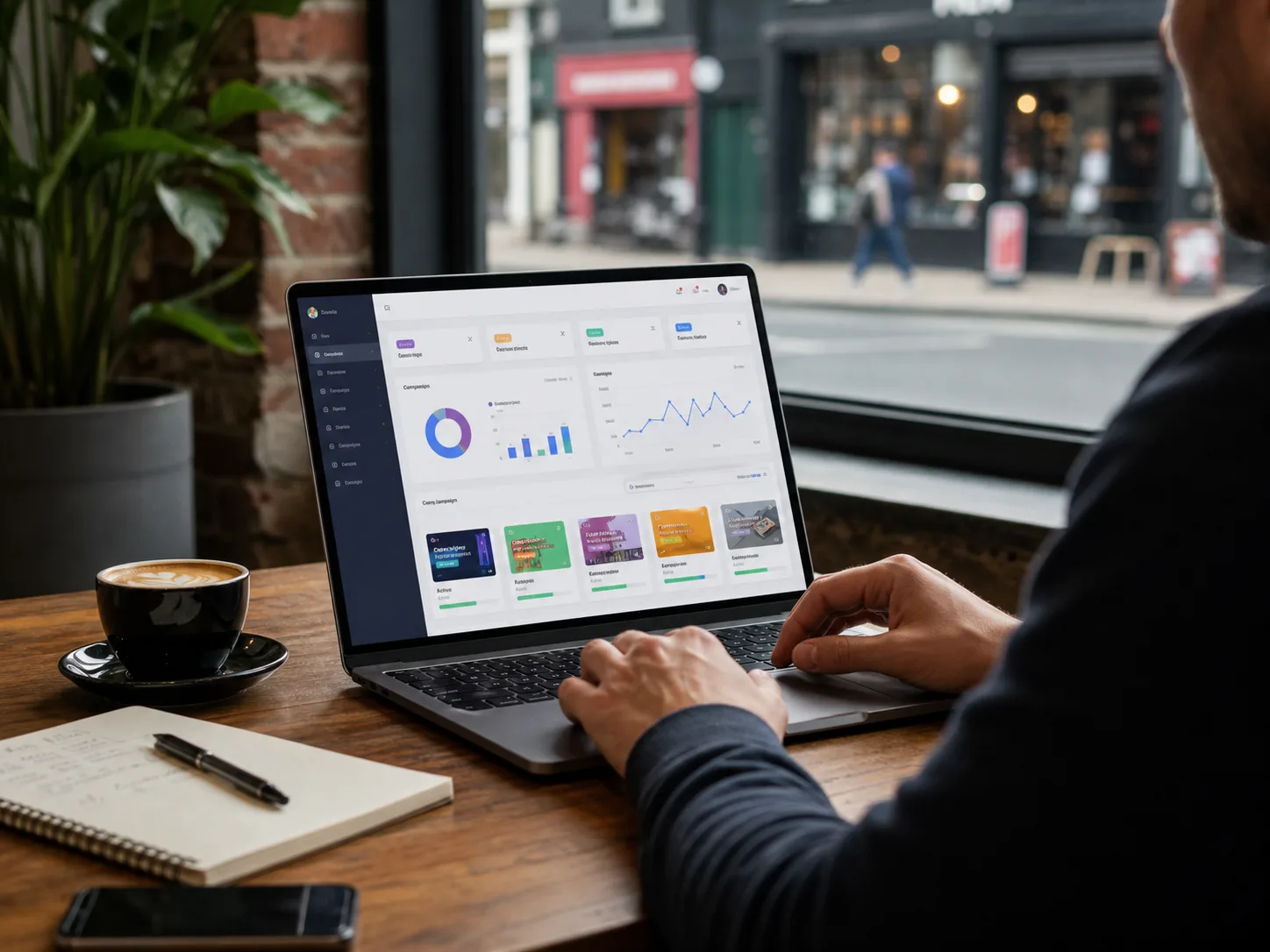
For advertisers
- Reach nearby customers while they are already shopping or waiting.
- Target campaigns by zip code, neighborhood, and store assignment.
- Run visual ads around the clock with a stronger physical presence than social alone.
- Use a more affordable local channel than billboards and traditional outdoor.
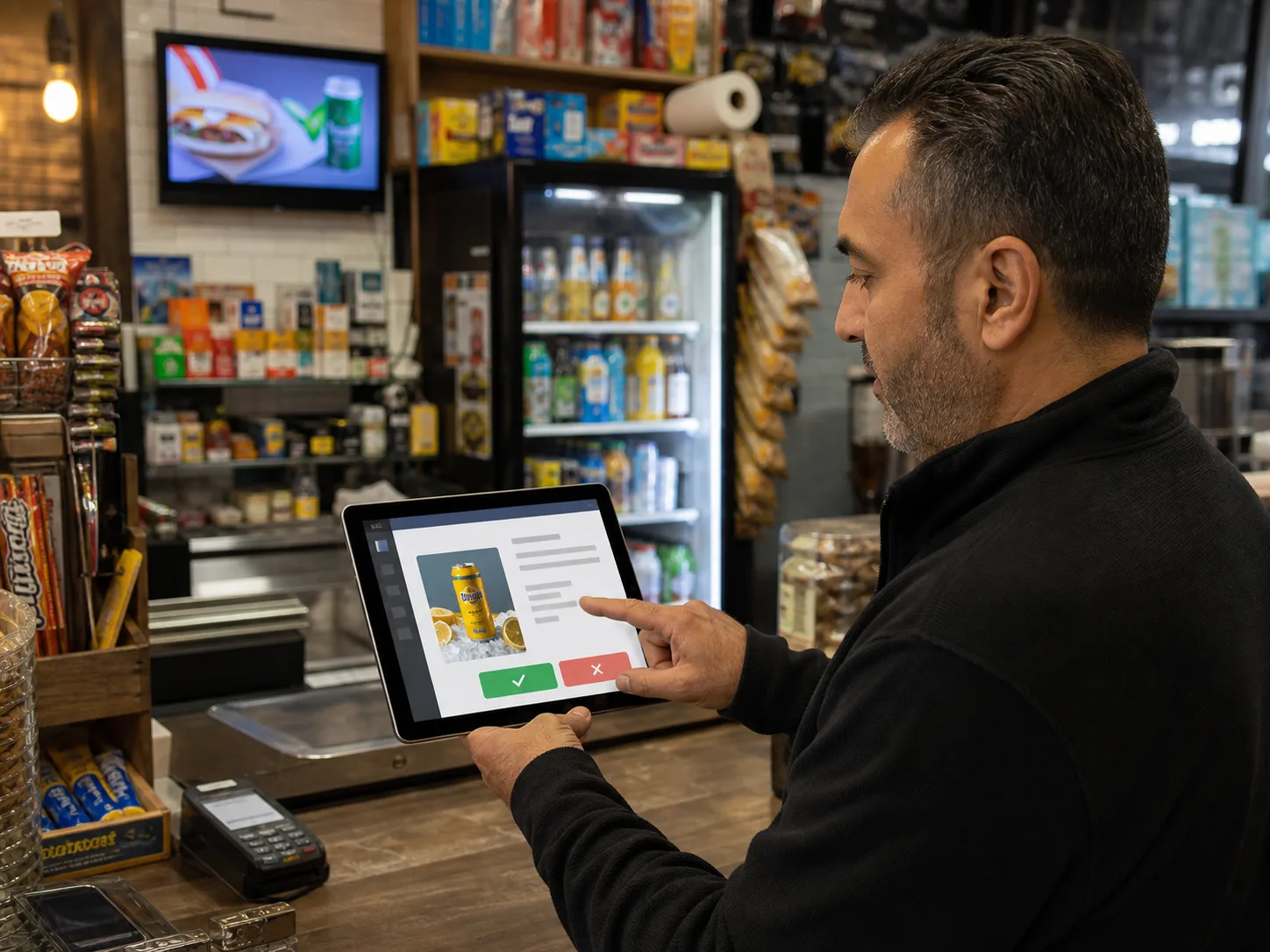
For store owners
- Earn passive monthly income for hosting an approved screen.
- Approve or reject ads before they run in your store.
- Add your own specials to the screen rotation at any time.
- Keep setup simple for staff and useful for customers.
What runs on the screen
Real ads. Real specials. Real time.
Every Blink 5 tablet rotates three kinds of content: approved advertiser campaigns, the store's own daily specials, and lightweight info cards like weather and neighborhood news. Hover the stack to see how they layer.
Campaign
Advertiser-paid · zip-targeted
Special
Store-uploaded · date-bounded
Info card
Weather · news · house
Campaign
10002Taco Tuesday: $1.99 al pastor, 5 to 8pm
Rivera Tacos · running
Store special
ActiveCoffee + bagel · $4 · until 11am
Orchard Deli · today
Info card
Weather67° Lower East Side · partly cloudy
Auto-rotating
Pricing
Simple, transparent pricing.
Start in a few neighborhood stores, then scale by zip. All plans include operator review, store-level approval, and 24/7 rotation.
Starter Local
Billed monthly
Up to 5 stores
- Run in up to 5 nearby stores
- Great for small local businesses
- Basic zip targeting
- Image creative upload
- Secure monthly card billing
Run in up to 5 nearby stores. Great for small local businesses testing Blink 5 Media.
Neighborhood
Billed monthly
Up to 25 stores
- Run in up to 25 stores
- Best for growing local campaigns
- Multiple zip codes
- Priority review
- Store approval routing
Best for growing local campaigns across several nearby zip codes.
City Blast
Billed monthly
Unlimited stores · custom placement strategy
- Run across a large local network
- Best for larger campaigns, events, or launches
- Custom placement strategy
- Operator-managed assignments
- Expanded performance reporting
Run across a larger local network with a custom placement strategy.
Custom Political/Event Campaigns
Unlimited stores · custom placement strategy
- Contact us for custom pricing
- Designed for high-volume campaigns
- Time-sensitive placement planning
- Custom market strategy
- Manual operator support
Designed for time-sensitive or high-volume campaigns with custom pricing.
How it works
Three steps from creative to screen.
Advertisers submit campaigns
Upload your creative, pick the zip codes you want to reach, choose a plan, and send it in for review.
Operators route approvals
Blink 5 Media approves the campaign, assigns matching stores, and sends it to each store queue.
Screens rotate approved content
Only running campaigns approved by that store appear on the tablet, alongside store specials.
Campaign examples
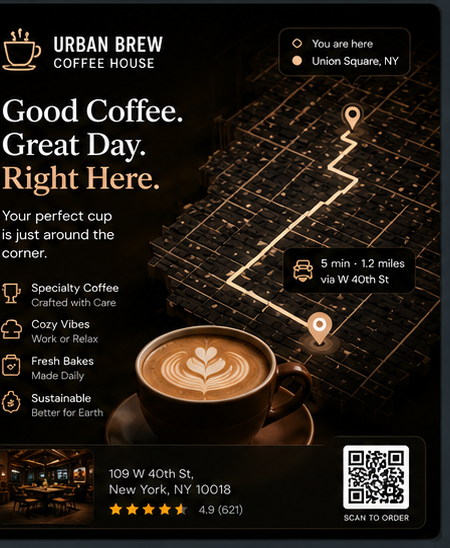
What an ad on a neighborhood screen looks like.
Six imagined creatives, built from the kinds of campaigns we've seen run well on the pilot network. Your mileage may vary, but the shape will feel familiar.
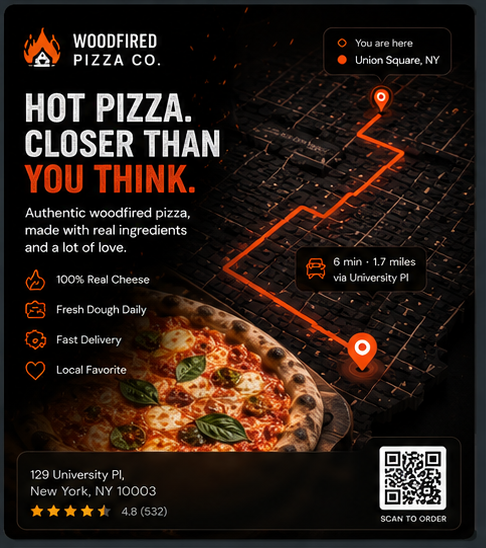
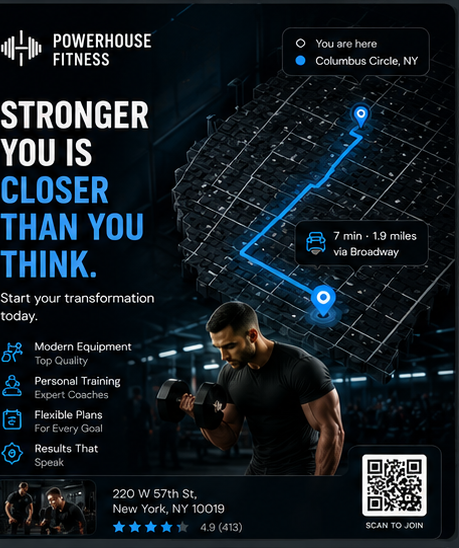

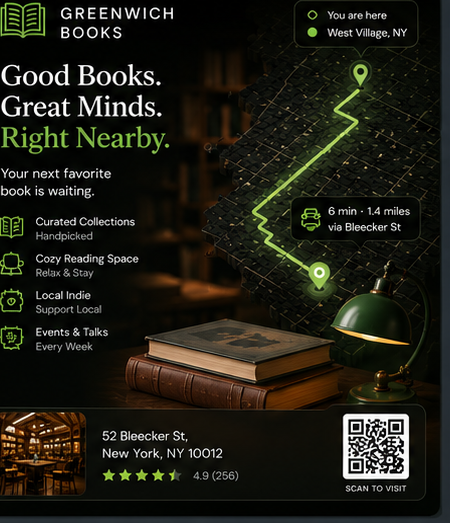
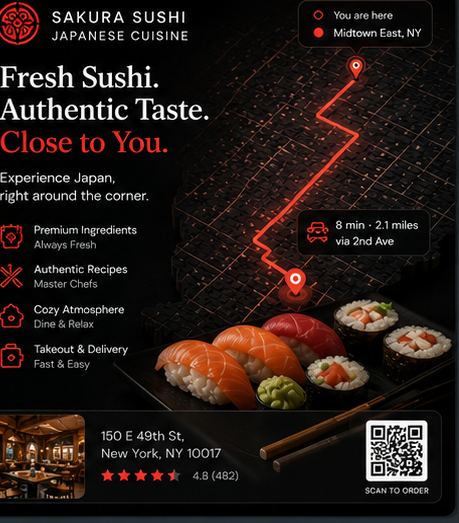
Woodfired Pizza Co.
Restaurants
Hot, authentic woodfired pizza made with real cheese and fresh dough daily, pushed to nearby screens right when the dinner rush hits.
Operator console
Built around the actual work of running a retail media network.
Campaign control
Admin can approve, reject, assign, pause, and run campaigns from one console.
Store-level consent
A rejected store approval blocks that campaign only for that location.
Tablet configuration
Every location has a display code so the right screen runs in the right store.
FAQ
Frequently asked questions.
Click any card to bring it to the center and read the answer. Use the arrows below to browse the deck.
Where do ads run?
Click to read the answer.
Can stores reject ads?
Click to read the answer.
What ad formats can I run?
Click to read the answer.
How does billing work?
Pick a plan during signup and we'll route your campaign to matching stores. We'll bring full self-serve billing online as the pilot graduates. For now, your account manager handles invoicing.
Tap the arrows to browse →
How fast can a campaign go live?
Click to read the answer.
Ready when you are